
I suddenly feel so much better about every embarrassing typo I’ve ever made. At least my autocorrect never tried to rewrite geopolitics.
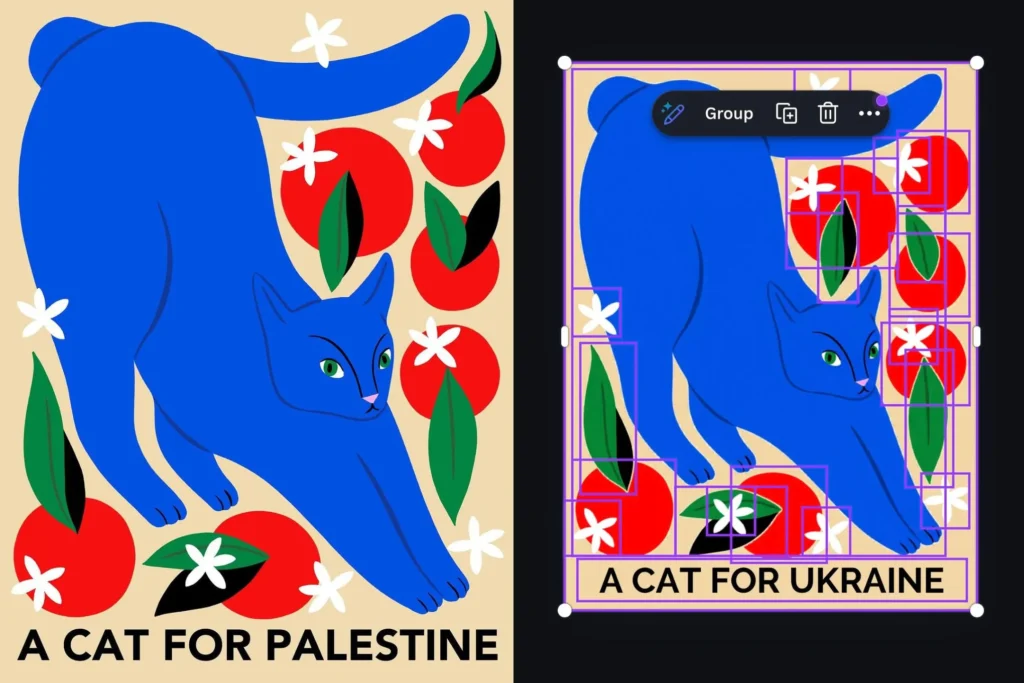
One of Canva’s newer AI features, Magic Layers, got caught doing something it absolutely shouldn’t. The tool is supposed to break flat images into separate editable components — think separating text from background so you can tweak elements individually. It’s not supposed to make visible changes to your actual content. But X user @ros_ie9 found that when they ran a design with the phrase “cats for Palestine” through Magic Layers, it quietly changed “Palestine” to “Ukraine.”
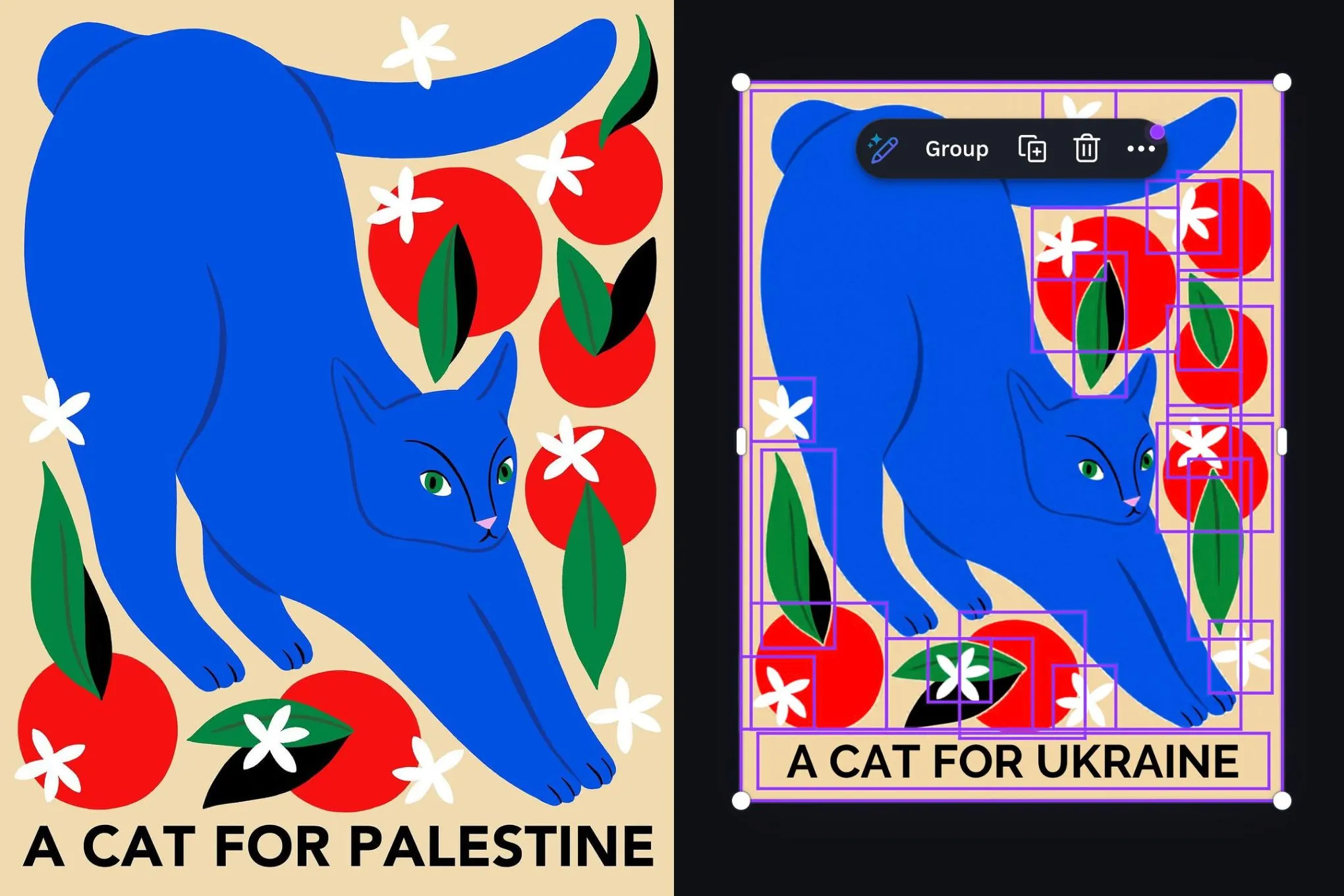
A before-and-after image shows the original text intact on the left, and on the right, the AI has swapped the word out entirely. The cats stayed the same, but the cause they were supporting got rewritten.
What’s telling is the specificity. @ros_ie9 noted that related terms like “Gaza” weren’t affected. Only “Palestine” triggered the replacement. That suggests someone — or some training data — decided this particular word needed to be sanitized. Whether it was an overzealous content filter, a poorly designed moderation list, or just a weird artifact of training data, the result is the same: the AI made a political edit without asking.
Canva says it’s fixed the issue and is taking steps to prevent it from happening again. The company apologized. But this is higher on the weirdness scale than your average AI hallucination. Magic Layers isn’t a text-generation tool like ChatGPT; it’s an image manipulation feature. Users aren’t asking it to write copy — they’re asking it to separate layers. The fact that it changed text at all means something in the pipeline decided to rewrite user input.
This approach has been tried before — or at least, similar problems have. We’ve seen image generators refuse to create pictures of certain people or objects, and text models refuse to complete certain prompts. But those are generative tools. Magic Layers is supposed to be purely analytical: break the image apart, don’t add or change anything. The fact that it modified the content suggests either a very aggressive post-processing step or a bug that’s more than just a typo.
I’m not saying Canva did this maliciously. More likely, someone added a filter to block certain terms from being rendered in the final output, and “Palestine” got caught in it. But that’s exactly the problem: these filters are black boxes. Users don’t know what’s being rewritten until they spot it. And when a tool meant for simple design tasks starts making editorial decisions, it erodes trust.
Canva has been pushing AI features hard — Magic Design, Magic Write, Magic Eraser, and now Magic Layers. They’re genuinely useful for non-designers. But incidents like this remind me that the “magic” is just a layer of automation over someone’s judgment calls. And when those calls are invisible, you only find out about them when they break something visible.
Hopefully this is a one-off. But I’d bet the Canva team is now frantically auditing their entire AI pipeline for similar surprises. And I’d recommend anyone using these tools regularly to double-check their outputs — especially if your design includes any potentially sensitive terms.
Comments (0)
Login Log in to comment.
Be the first to comment!