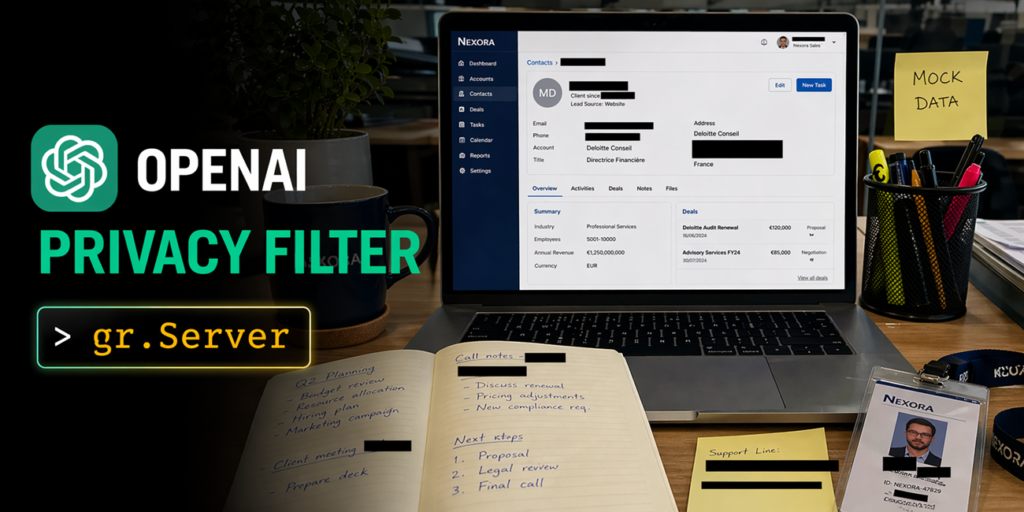

OpenAI dropped an open-source PII detector on the Hub this week called Privacy Filter. It’s a 1.5B-parameter model (only 50M active, thanks to some mixture-of-experts trickery) that labels text across eight categories in a single pass over 128k tokens. Apache 2.0 license, state-of-the-art on the PII-Masking-300k benchmark. Model card is up if you want the full numbers.
I spent a few hours building with it, and three apps came out the other side. Each one shows a different angle of what this thing can do, and more importantly, how you’d wire it into something people actually want to use.
The model itself
Eight categories: private_person, private_address, private_email, private_phone, private_url, private_date, account_number, secret. 128,000 token context window means you can throw an entire contract or chat log at it without chunking. No stitching offsets, no weird boundary artifacts. The BIOES decoding keeps span boundaries clean through long ambiguous runs. This matters more than you’d think when you’re highlighting PII in a rendered document.
App 1: Document Privacy Explorer
Try it here: ysharma/OPF-Document-PII-Explorer
The problem is straightforward: you’ve got a PII-heavy document—a contract, a resume, an exported Slack thread—and you want to read it with every detected span highlighted by category, a filter in the sidebar to toggle categories on and off, and a summary dashboard up top. The reading experience should feel like reading a document, not filling out a form.
Privacy Filter handles the heavy lifting in one forward pass. No chunking, no stitching. Span offsets line up directly with the rendered text. But the frontend is where this gets interesting.
You could wire this up in Gradio Blocks with gr.HighlightedText and a sidebar, and it would work. But the reading experience we wanted—serif body text, category filters that toggle CSS classes client-side instead of re-running the model, a summary dashboard that doesn’t force a page re-render—was easier to hand-author in HTML/JS. That’s where gradio.Server comes in.
gr.Server lets you serve a custom frontend as a single HTML file and expose the model behind one queued endpoint. The decorator @server.api(name=”analyze_document”) plugs the handler into Gradio’s queue, so concurrent uploads get serialized, @spaces.GPU composes correctly on ZeroGPU, and the same endpoint is reachable from both the browser and gradio_client with no duplicated code. The browser calls it with the Gradio JS client, same pattern every time.
import gradio as gr
from fastapi.responses import HTMLResponse
from gradio.data_classes import FileData

server = gr.Server()

@server.get("/", response_class=HTMLResponse)
async def homepage():
    return FRONTEND_HTML

@server.api(name="analyze_document")
def analyze_document(file: FileData) -> dict:
    text = extract_text(file["path"])
    source_text, spans = run_privacy_filter(text)
    return {
        "text":  source_text,
        "spans": spans,
        "stats": compute_stats(source_text, spans),
    }
App 2: Image Anonymizer
Try it here: ysharma/OPF-Image-Anonymizer
You want to share a screenshot—a Slack thread, a receipt, a Stripe dashboard—with black bars over the PII. You want to toggle bars on and off, drag them to reposition, or draw one by hand for anything the model missed, then export the result at full resolution.
Privacy Filter can’t see images directly. So the backend runs Tesseract OCR first, returns per-word bounding boxes, reconstructs the full text with a char-offset-to-box map, then runs Privacy Filter once over the whole text. Detected character spans get looked up against the word map and joined into pixel rectangles per line.
gr.ImageEditor supports layered annotation and is a reasonable starting point. But the workflow we wanted—per-bar category metadata, toggle all bars in a category at once, client-side PNG export at natural resolution with no server round-trip—was cleaner to build on a custom canvas. gr.Server hands back pixel rectangles from one queued endpoint and lets the canvas own everything else.
@server.api(name="anonymize_screenshot")
def anonymize_screenshot(image: FileData) -> dict:
    img = Image.open(image["path"]).convert("RGB")
    full_text, char_to_box = ocr_image(img)
    spans = run_privacy_filter(full_text)
    boxes = spans_to_pixel_boxes(spans, char_to_box)
    return {
        "image_data_url": pil_to_base64(img),
        "width":  img.width,
        "height": img.height,
        "boxes":  boxes,
    }
The frontend invokes it with client.predict("/anonymize_screenshot", { image: handle_file(file) }), same pattern as the document app. Toggles, drags, new-bar drawing, all client-side.
App 3: SmartRedact Paste
Paste sensitive text, get a public URL that serves the redacted version, keep a private reveal link for yourself. The backend stores the original and redacted versions, serves the public one to anyone, and the private link decrypts to show the original. Privacy Filter runs once on upload, the redaction is deterministic from there.
This one’s the simplest architecturally but the most useful day-to-day. Paste a chat log, share the redacted link with a colleague, keep the reveal link for yourself. No accounts, no database, just a key-value store and the model.
Why gr.Server matters here
In all three apps, gradio.Server plays the same backend role. That consistency is what makes it powerful. You get Gradio’s queueing, ZeroGPU allocation, and client SDK for free, but you’re not locked into Gradio’s component library. If your UI needs something custom—and most real UIs do—you can hand-author the frontend and still leverage the backend infrastructure.
The alternative is building a FastAPI app from scratch, wiring up your own queue, managing GPU allocation, writing a client SDK. Or you hack Gradio Blocks to do things it wasn’t designed for and fight the abstraction. gr.Server sits in the middle, and for these kinds of apps, it’s the right spot.
Privacy Filter itself is solid. The 128k context window is the killer feature—no chunking means no edge cases where a PII span gets split across two model runs. The categories cover what you’d actually need for most redaction workflows. The Apache 2.0 license means you can ship it without legal headaches.
Go play with the apps. They’re live on Hugging Face Spaces. The code is on GitHub. Build something with it.
Comments (0)
Login Log in to comment.
Be the first to comment!